.png)
The 5.0 release brings voice-activated interaction to the point of care, deeper insight into language access, and a stronger Patient Observation experience. Here's a quick look.
Vitalchat 5.0 introduces three headline capabilities: voice-activated requests to the virtual team, a dedicated interpretation report for language access, and patient context on every Patient Observation room tile. The release also includes platform and user experience improvements shaped by customer feedback.
Voice-Activated Care
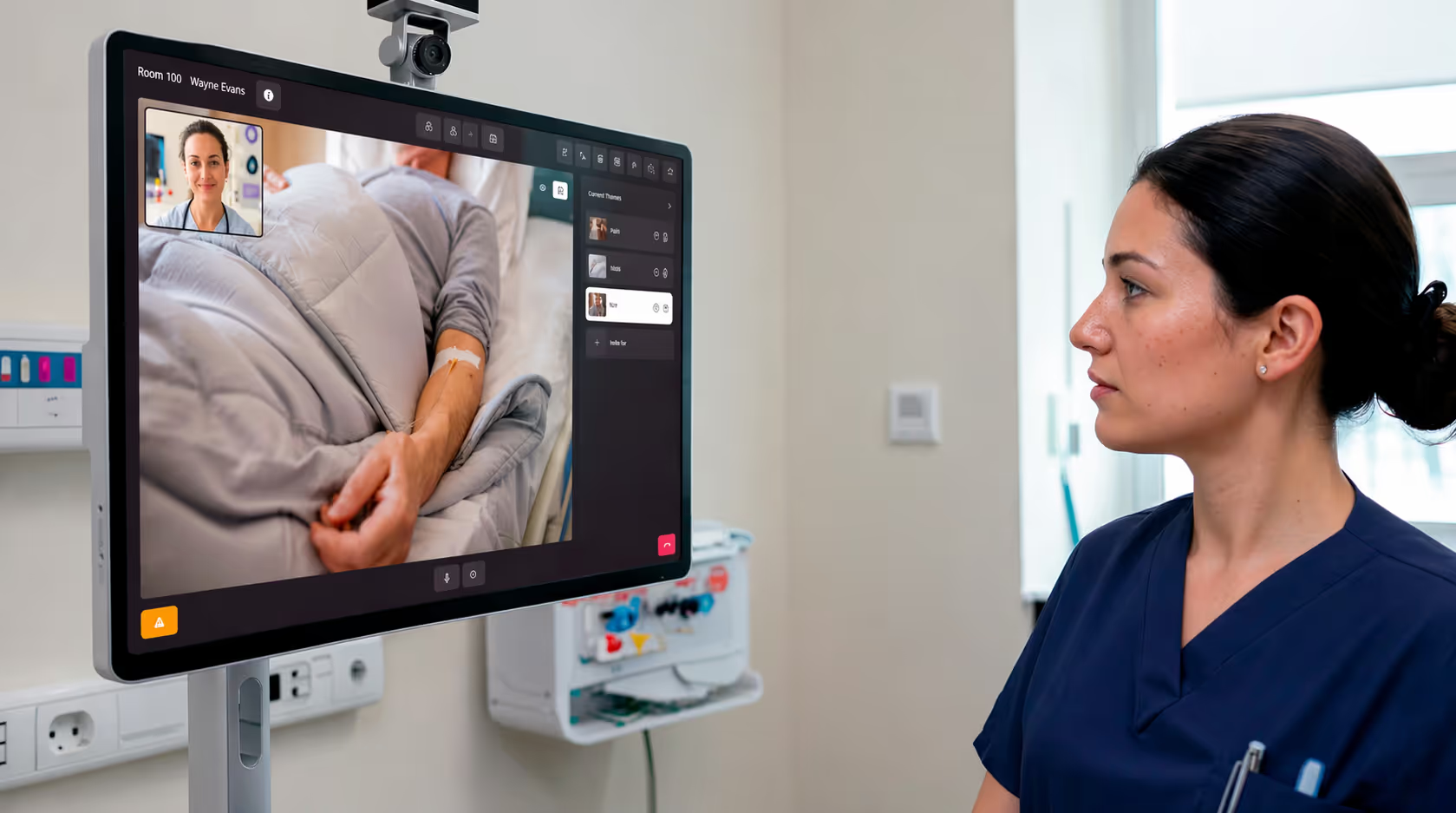
In the middle of hands-on care, a clinician can now speak a request instead of stopping to find a device or navigate a screen, connecting instantly to the virtual team while keeping their attention on the patient.
A spoken request sends a message in seconds to the virtual team, turning a moment of need into real-time care coordination. A few of the ways teams can use it:
- Independent medication verification. Bring in a second qualified nurse as the independent verifier for a high-alert medication, dual verification, or second medication review.
- Follow-up pain assessments. After administering pain medication, request a follow-up assessment so it happens on schedule.
- Specialty consult readiness. Confirm the room and patient are ready for a consult, queuing the physician to join without a round of calls.
- Interpreters and support. Ask Vitalchat to bring a qualified interpreter into the room, request documentation support, or call for assistance.
The result: actions that make care safer become easier, so they happen more often, right when they're needed.
Deeper Insight into Language Access
As it gets easier to bring an interpreter into the room, program leaders need to see how that access is being used. Every session is now captured in a dedicated interpretation report — filterable, downloadable, and available via API.
The dashboard surfaces the trends that matter most:
- Use by language, so programs can staff and plan for the populations they serve.
- Use by outcome, connecting consumption to care, including rounding in a patient's preferred language or a text-to-speech prompt to redirect a patient at risk of falling.
- Sessions per day, to track demand and plan for capacity needs.
For a budget expense that is often complicated to audit, this turns interpretation services into something teams can reconcile against their invoice and genuinely understand.
Enhancing Patient Observation
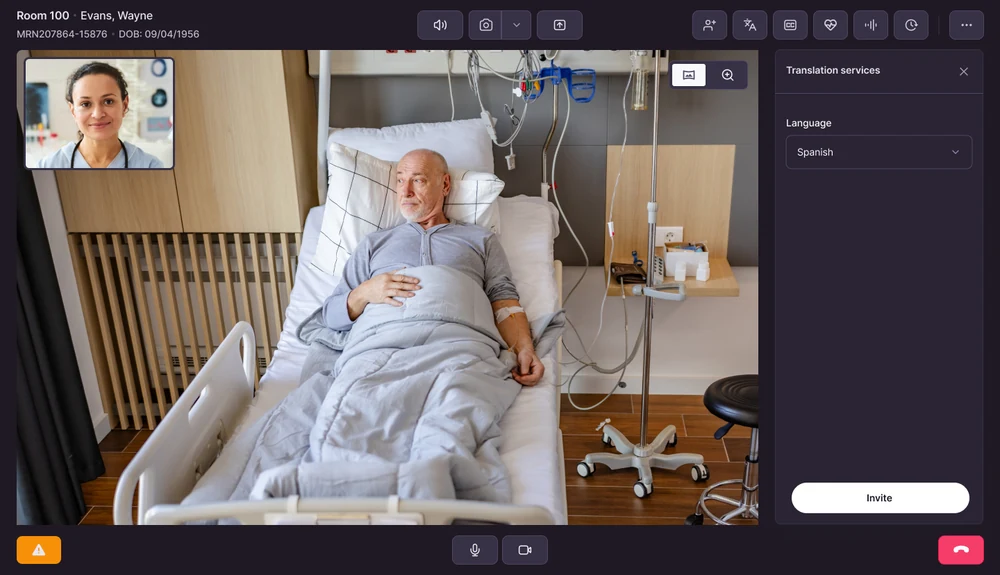
Patient context now appears directly in the Patient Observation experience. Each room tile shows the patient's name, date of birth and MRN on focus, all drawn from the client's ADT feed.
For a Tele Sitter watching many patients at once, visible identity on the tile means faster patient identification, clearer handoffs, and less manual data entry.
Handled with privacy in mind. Patient data is not stored by Vitalchat. It is pulled fresh with each new ADT message, so what appears always reflects the source system.
Platform and User Experience Updates
This release also includes a round of improvements shaped directly by customer feedback:
- Expanded reporting on users and devices, with API access.
- Multi-select filtering across Rooms and Multiview.
- Clearer room health and audio recovery in Multiview.
Frequently Asked Questions
What can a clinician request by voice?
Voice requests send a message to the virtual team in seconds. Common uses include independent medication verification, follow-up pain assessments, specialty consult readiness, bringing in a qualified interpreter, documentation support and calling for assistance.
How can interpretation data be accessed?
Every interpretation session is captured in a dedicated report that can be filtered, downloaded or accessed via API. The dashboard shows use by language, use by outcome and sessions per day.
Where does patient information on room tiles come from?
Name, date of birth and MRN are drawn from the client's ADT feed and appear on the room tile on focus.
Does Vitalchat store patient data shown on tiles?
No. Patient data is not stored by Vitalchat. It is pulled fresh with each new ADT message, so what appears always reflects the source system.
For more information about Vitalchat, email info@vitalchat.com.